
Slideshow
Slideshow binds one frame to one album, then advances to the next photo on a clock or an interval. It is the basic playlist.
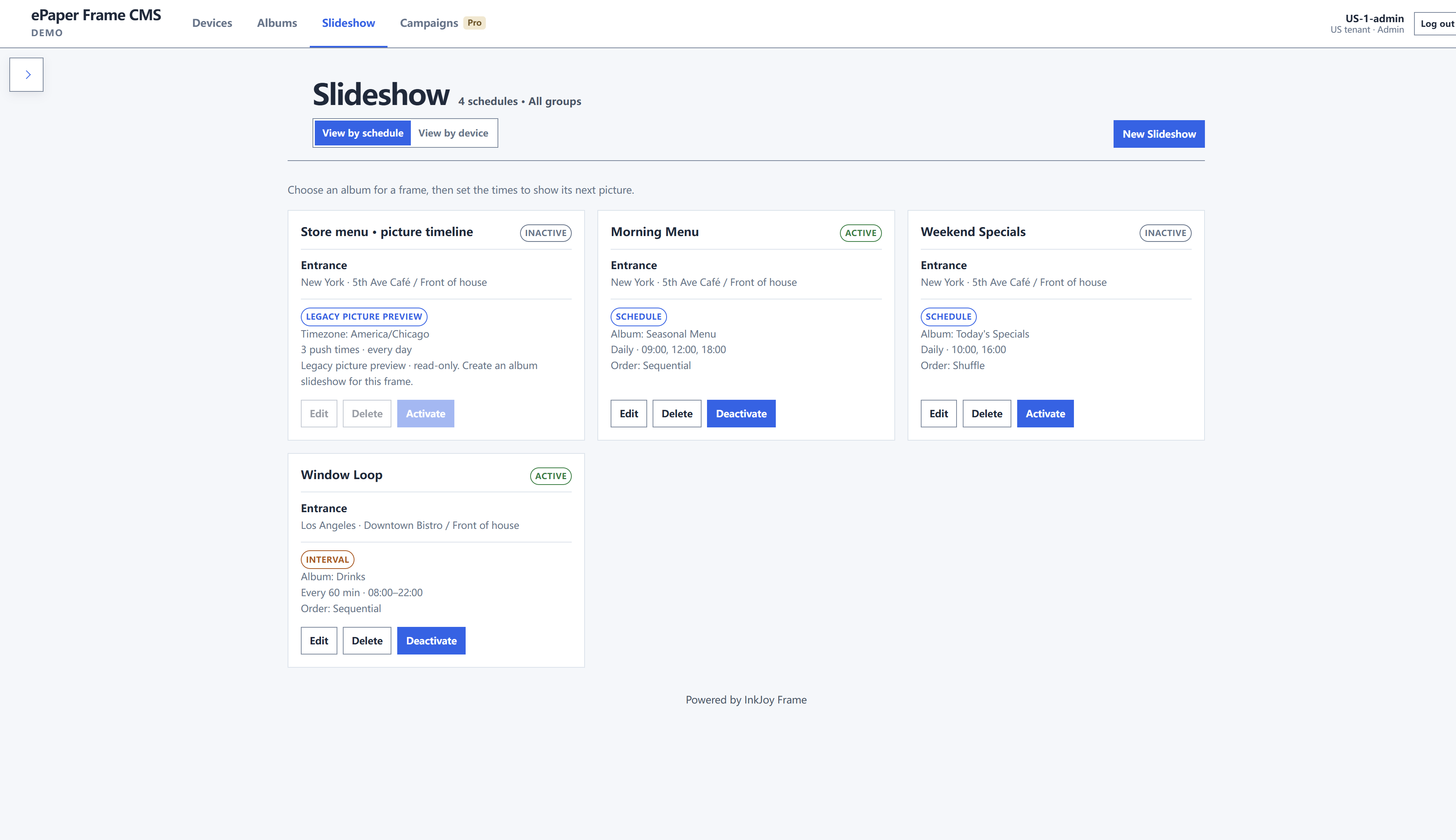
Two views
- View by schedule — every strategy as a card
- View by device — which frames already have a slideshow (Ungrouped is included)
Create a slideshow
- Click New Slideshow.
- Assign to frame — exactly one frame.
- Album — exactly one album.
- Update type
- Daily · chosen times — push at specific clock times. Set Repeat every (days) and one or more Push times. Use this when a store changes the still at the same hours every day. This is the default.
- Interval · every N min — rotate every N minutes between Begin and End.
- Play order — Sequential or Shuffle.
- Save inactive slideshow. New items do not start. Return to the list and click Activate.